CandyKv
Personal key/value store — one SQLite file per database, glob + fuzzy listing, TTL, binary-safe values

Personal key/value store — one SQLite database per store, @dbname namespaces, glob listing, TTL, binary values, JSON/YAML import/export, and a bare CLI.
Install
composer require sugarcraft/candy-kvQuickstart
use SugarCraft\Kv\Store;

$store = new Store();                       // SQLite files under $XDG_CONFIG_HOME/skate (else ~/.config/skate)

$store->set('user:1', 'Alice');
$store->set('user:2', 'Bob');
echo $store->get('user:1');                 // 'Alice'
echo $store->get('missing', 'n/a');         // fallback: 'n/a'

// A key@db suffix routes to a named database ("\@" spells a literal at-sign)
$store->set('token@passwords', 'ghp_xxxx');
$store->setWithTtl('session', 'abc', 60);   // expires after 60 s

foreach ($store->list('user:*') as $entry) {  // case-sensitive character-wise glob patterns; yields Entry
    echo "{$entry->key} => {$entry->rawValue()}\n";
}
$store->listDatabases();                    // ['default', 'passwords']
$store->pruneExpired();                     // reclaims expired rows in the default database
CLI
candy-kv set color blue              # values with NUL/invalid UTF-8 auto-arm binary mode
candy-kv get color                   # prints exact stored bytes, no added newline
candy-kv list 'user-*'               # key<TAB>value rows; binary values show a <binary N bytes> placeholder
candy-kv delete 'tmp-*' --dry-run    # preview the match count without writing
candy-kv prune                       # remove expired residue
candy-kv export json > backup.json
candy-kv import json backup.json     # atomic within a database; a file spanning databases needs --no-atomic
Exit codes: 0 success, 1 miss / no match / runtime failure, 2 usage errors (unknown flags and commands are refused before anything is written). Run candy-kv --help for the full flag list.
What's in the box
$XDG_CONFIG_HOME/skate, else ~/.config/skate; files at 0600); key@db picks the database and reads never create files.* / ? glob patterns (\* spells a literal star), reverse order, keys-only or values-only modes, and fuzzyFilter().pruneExpired() reclaims them.rawValue() decodes them) and group writes in a transaction.Source & demos
- Source on GitHub
- Full README
- Runnable examples
- Originally inspired by charmbracelet/skate (Go); candy-kv is a native PHP project, not a line-by-line port. The interactive TUI of upstream skate is out of scope — library and CLI only.
API
| Class | Method | Description |
|---|---|---|
| Store | __construct(?string $dataDir = null, string $defaultDb = 'default') | Key-value store over per-database SQLite files; construction touches nothing on disk |
| Store | set(key, value, bool $binary = false, ?int $ttlSeconds = null) / setWithTtl(key, value, ttl) | Write a key; key@db routes to a named database |
| Store | get(key, fallback = '') / entry(key) / suggestionFor(key) | Read a value, or the full Entry, or a close-existing key for a typo |
| Store | list(?pattern, ?dbName, reverse, mode) / fuzzyFilter(query) / pruneExpired() | Glob listing; fuzzy key ranking by local-alignment score against a query; reclaim expired rows |
| Store | delete(key) / setFile(key, path) / saveTo(key, path) | Delete; binary values from and to files (0600) |
| Store | listDatabases() / deleteDatabase(name) / transaction(dbName, callable) | Database management |
| Database | get / raw / set / delete / deleteMany / list / allKeys / count / pruneExpired / transaction / close | One SQLite database; raw() also sees expired rows |
| Entry | key, value, binary, createdAt, modifiedAt, expiresAt / isExpired() / rawValue() | A stored value; rawValue() returns decoded bytes for binary entries |
Demos.
VHS-recorded GIFs of every example shipped with the library. Regenerated automatically on every push that touches the source.
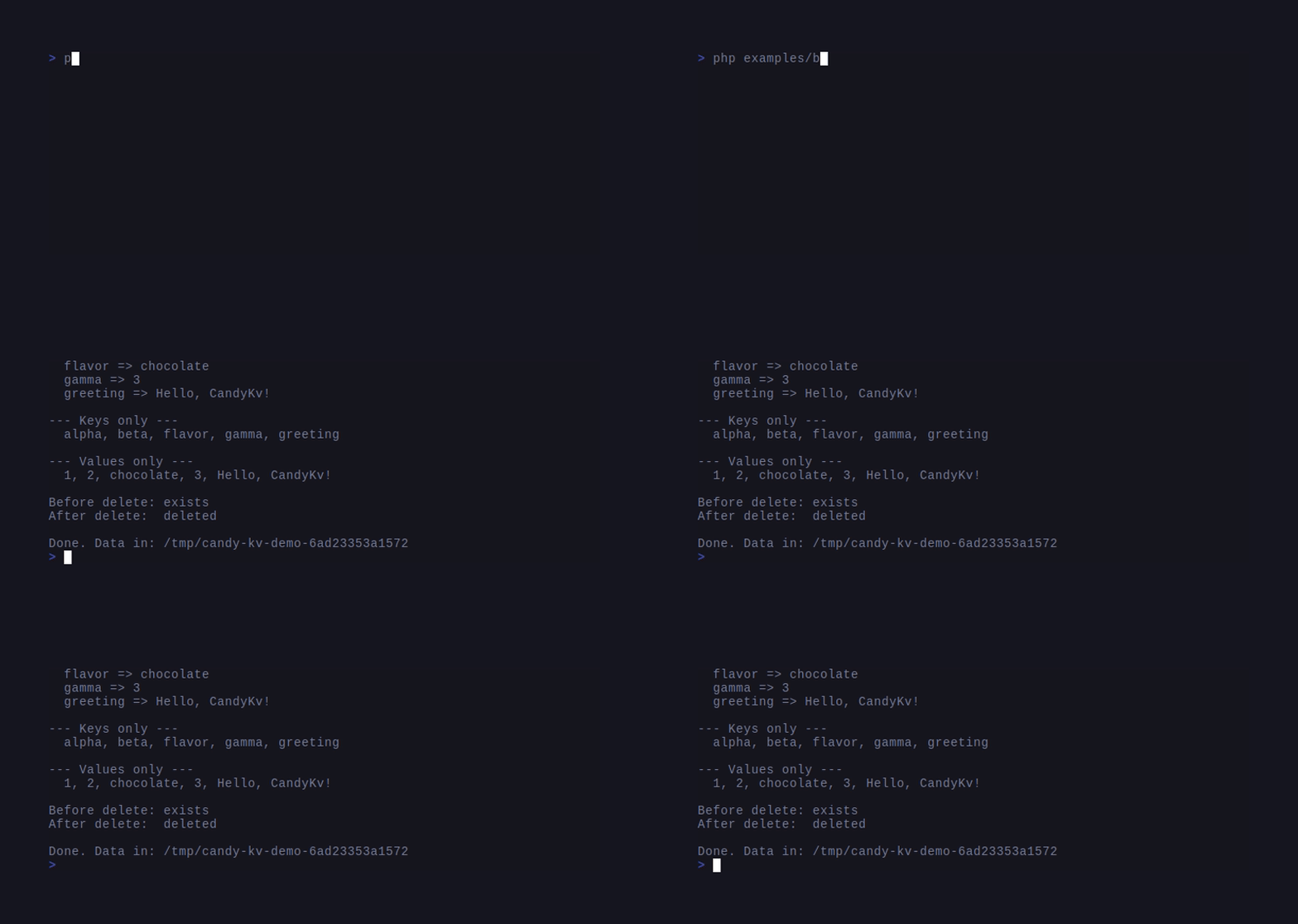
Get / set / list
File-backed store — set, get, list, delete.
Glob listing
List keys matching `user-*`, `user-?` and `config-*`.
Reverse-order list
List the same keys forward and in reverse key order.
Binary values
Round-trip raw bytes in / out of the store.
Multiple DBs
Two named stores side-by-side, no collisions.Five GIFs: glob.gif is recorded from live ./bin/candy-kv calls; the other four drive the library surface through php examples/*.php. For a text walkthrough of the CLI itself, see the Output format transcript in the README.